

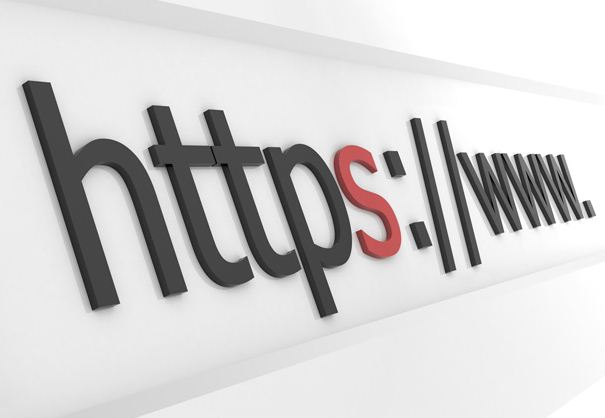
Whenever you’re searching the Internet, you may have noticed the HTTP preface that tends to come before every website address. HTTP stands for hypertext transfer protocol, and it basically refers to the way that we communicate on the Internet.
There is another form of HTTP that is widely used, and it is HTTPS, otherwise known as hypertext transfer protocol secure. What this means is that the information contained on a website, or information entered into a website, is secure. Most banks, credit card companies and online retail stores will use HTTPS in order to keep your account or payment information secure.
How does HTTPS work?
When a website uses HTTPS, it is using a secured socket layer (SSL) to help encrypt the data that is either being provided on the site or entered into the site. This encryption will keep your information safe so that it does not fall into the hands of a hacker.
The purpose of this is to not only keep your information safe while it’s in the hands of the company, but it’s mostly used to keep your information safe while it’s being transferred from the website to the company’s processing station. For example, after you fill out a form with all of your payment information and click the Next button, this information is then sent over the world wide web to the company’s processing stations or banks, and it is during this transfer that information tends to get hacked. Companies use HTTPS to keep this information from getting out during this transfer.
Most websites will default to this setting on their own, so there is no need for you to have to change it on your own.
When should I be using an HTTPS website?
Anytime you need to share confidential information about yourself, such as all of your contact information, your social security number, or your credit/bank account number (to make online payments), you should always make sure that the site is HTTPS. This will protect your information from being taken by hackers and used to steal your identity. If you want to make a purchase online and you notice that the site is not HTTPS, you should either phone in your order or physically go to the store.
Who uses HTTPS?
As already stated, most companies that deal with personal information such as banks, credit card companies and online retailers tend to use HTTPS sites, but other companies have also started to use them just to provide an added sense of security to their customers. For example, companies that may ask you to fill out a form with just your name and phone number or even just your email address may use HTTPS so that you’re more willing to sign up. There are other websites that don’t ask for any personal information that are starting to use HTTPS to keep your online activity private from companies trying to learn more about what sites you visit in order to learn how to market to you. Firefox has been known to use HTTPS when its users perform a Google search.
Unfortunately there are plenty of hackers out there who wait patiently for an individual’s information to leak over an unsecured site, and these hackers then use this information to steal identities. If you are sharing confidential information through the Internet, make sure that you’re using HTTPS sites.